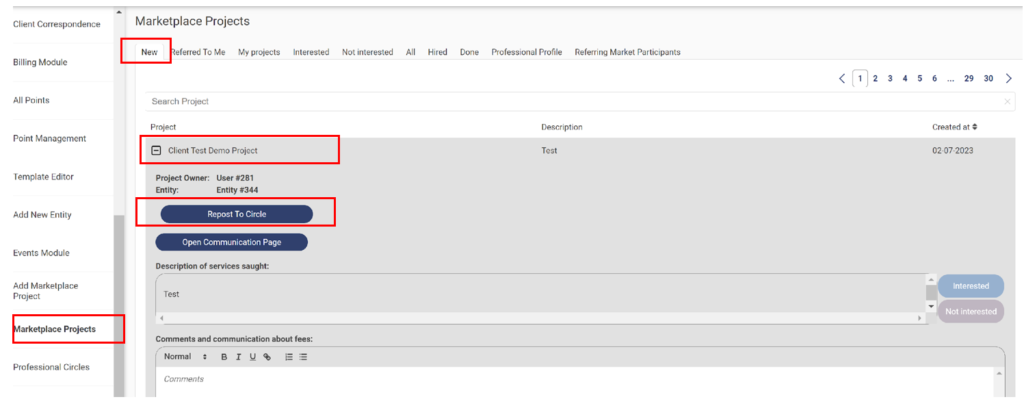
1. Click on Marketplace Projects ????under the New tab we can see the new projects created by clients.
a. Expand the project field and we get to see an option for Reposting the project to a circle.
b. there are a few more options for an “Open Communication Page “so that professionals can interact with clients to provide more details about the projects.
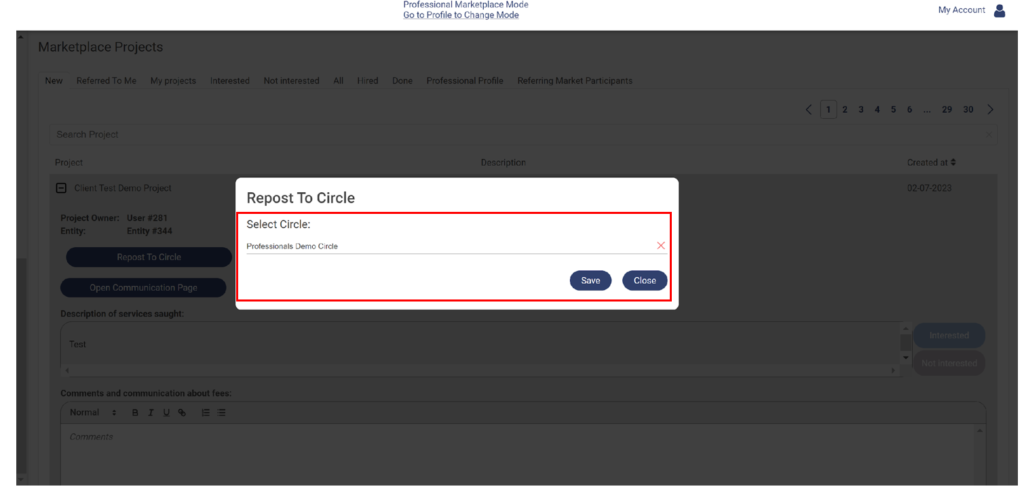
2. Click on “Repost To Circle” ???? Select the Circle name for which this project needs to be posted.
3. Select “Professionals Demo Circle “ and click on “Save “
4. When we click on “Save” the Project will get posted to the Circle. Go back to the “Professional Circles” < sidebar Menu and search for the “Circle Name”
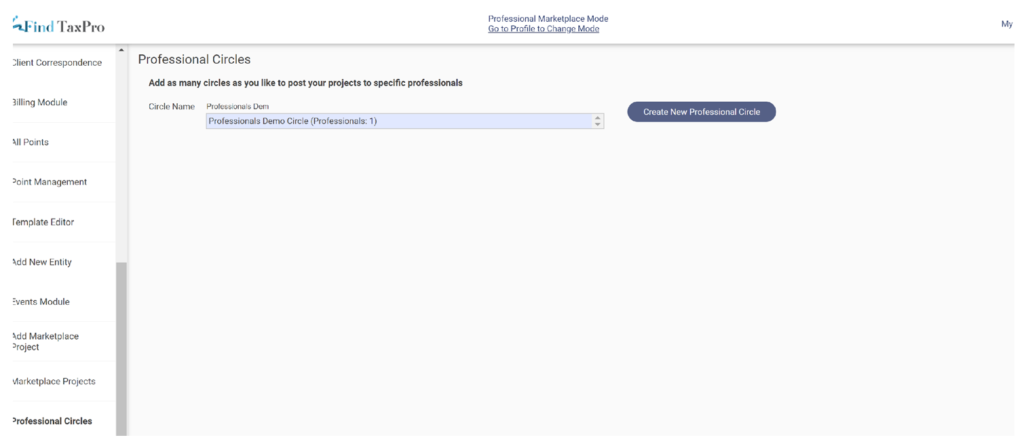
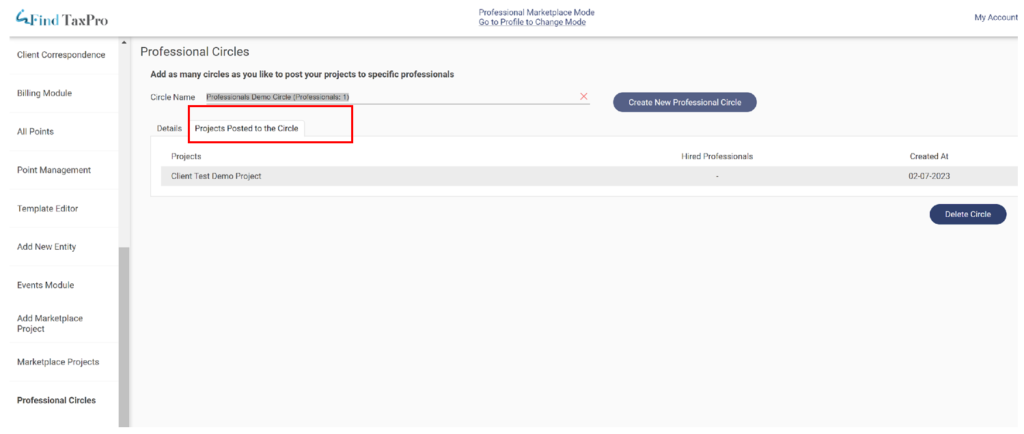
5. Click on the Tab “Projects Posted to the Circle” ???? and we can see that the “Client Test Demo Project” is posted to the Professional Circle.
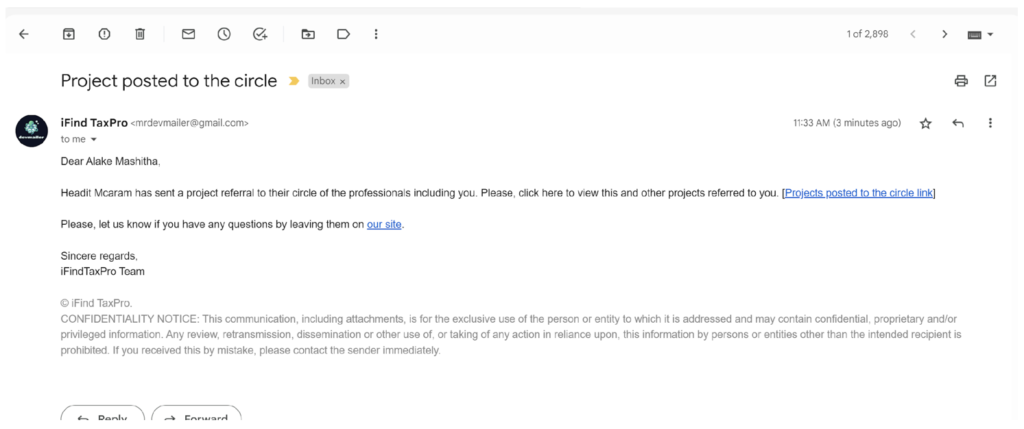
6. When Professional reposts a Project to his Circle, Circle members will receive an email.