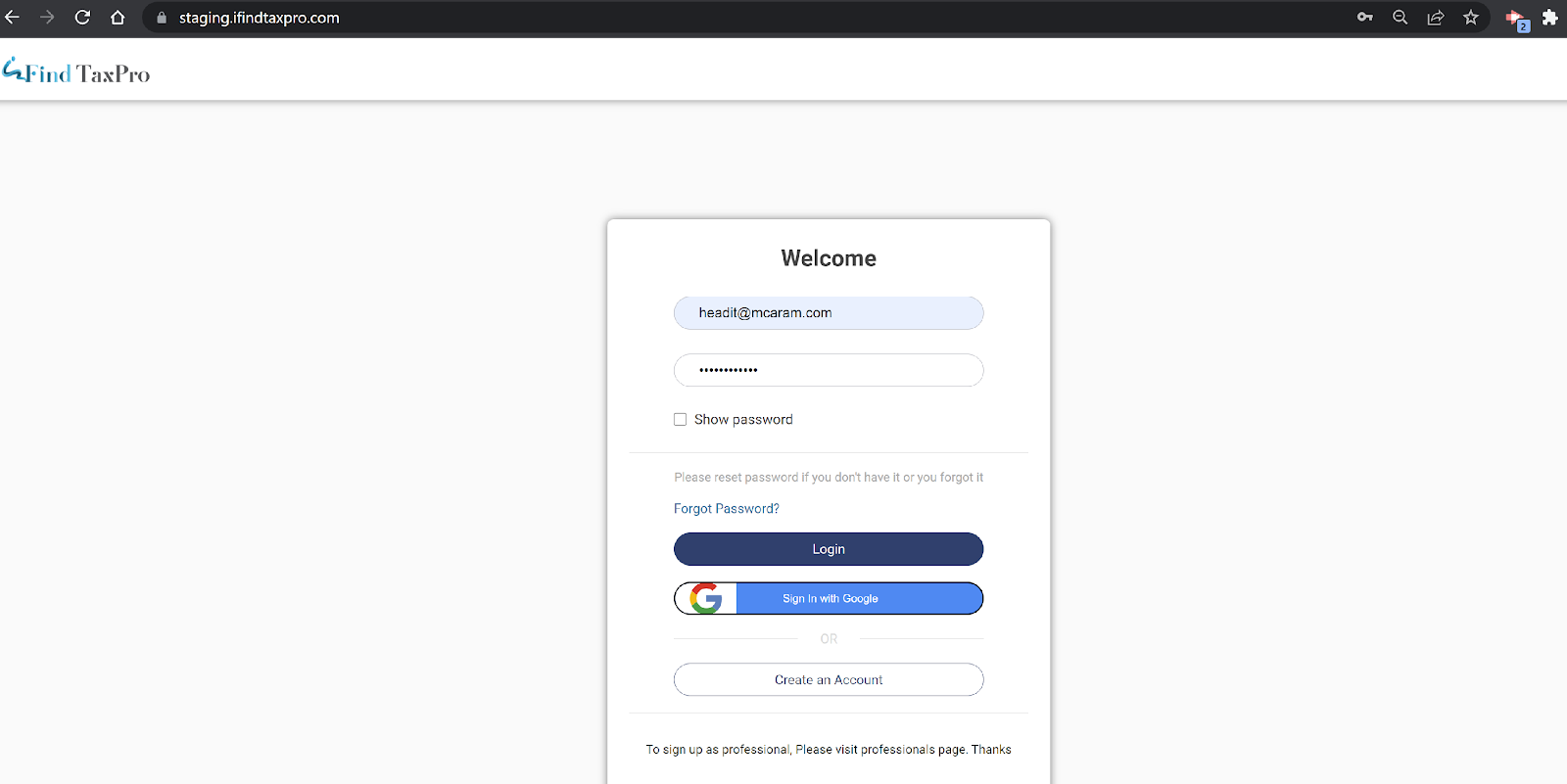
- Login as a Professional using a username and password.
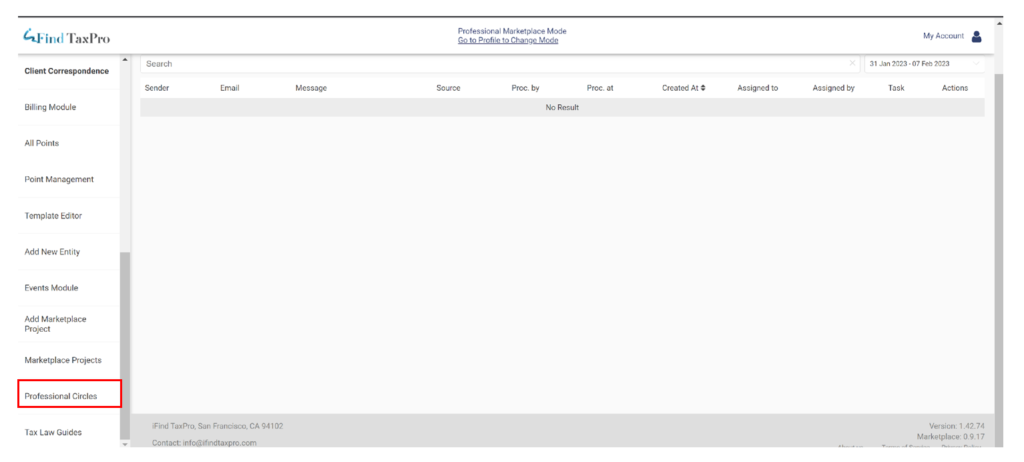
2. Logged in as a Professional user and we can see the option of “Professional Circle “ from the left sidebar menu options.
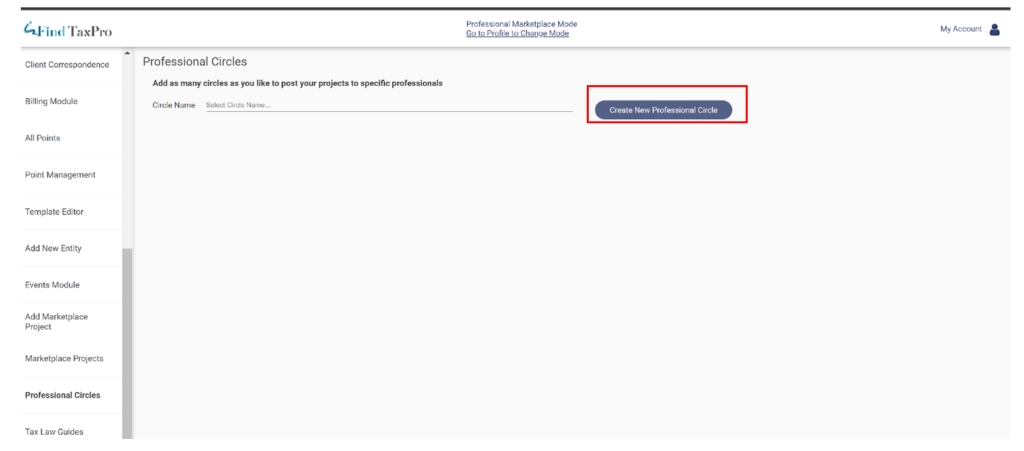
3. Professional Circles ???? Create New Professional Circles
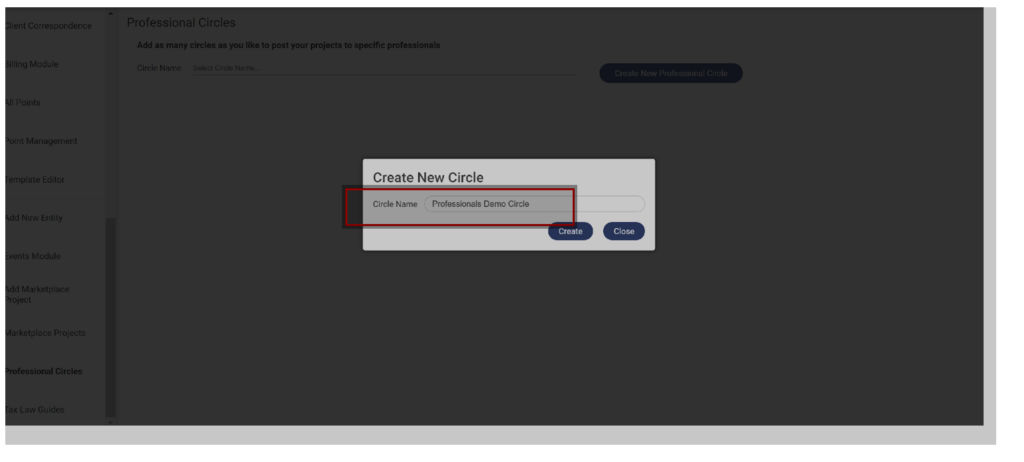
4. Enter the Circle name and click on Create.
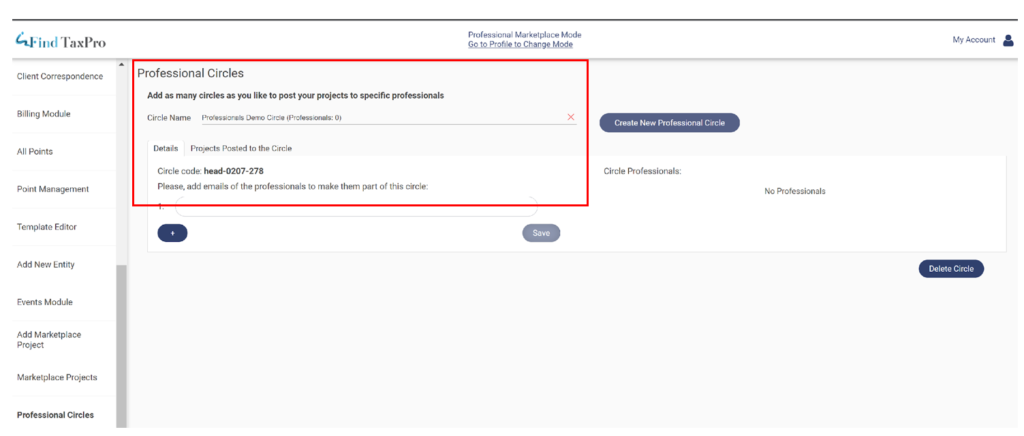
5. Professional Circle is created and we can see the details from the Details Tab . and for each circle, there will be a unique code generated by the system. We can see that the circle code is “ head-0207-278”
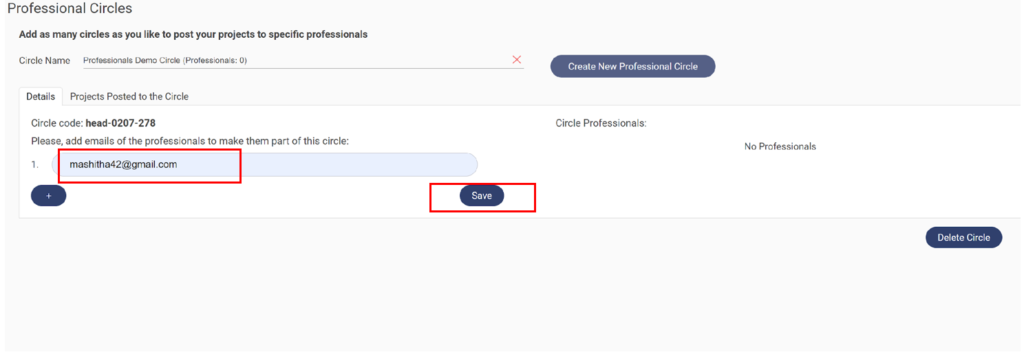
6. A professional user created a circle. Let’s add users or Professionals to the Created Circle, and click on “save”.
7. We can see the user is added to the Circle :
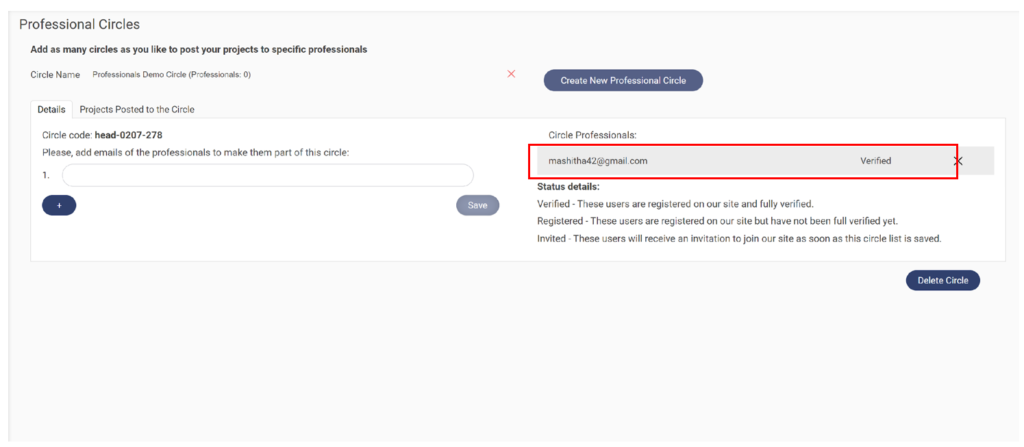
8. Let’s add a few more users to the Professional Circle: Users are added. across each user, there is a status displayed and status details are listed below on what it indicates.
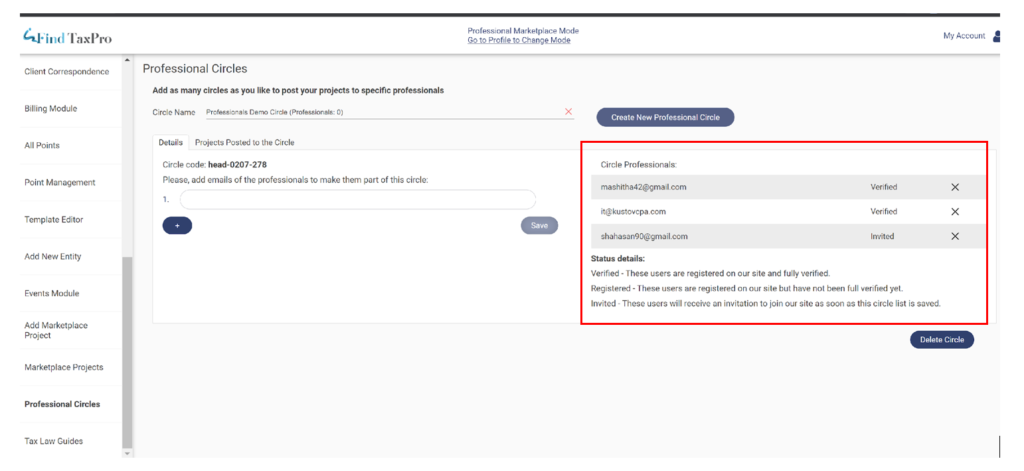
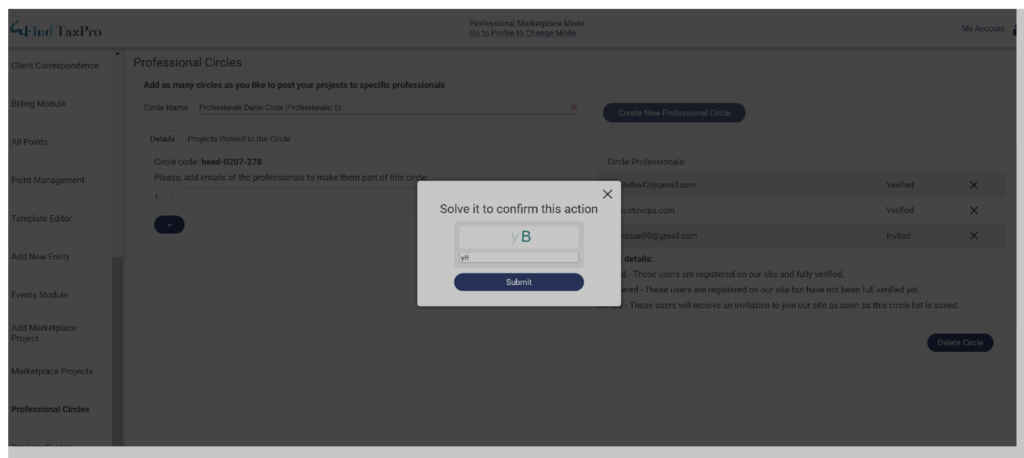
9. If we would want to remove the users from Professional Circle ????Click on the Cross symbol on the user email and confirm the action by submitting the code.
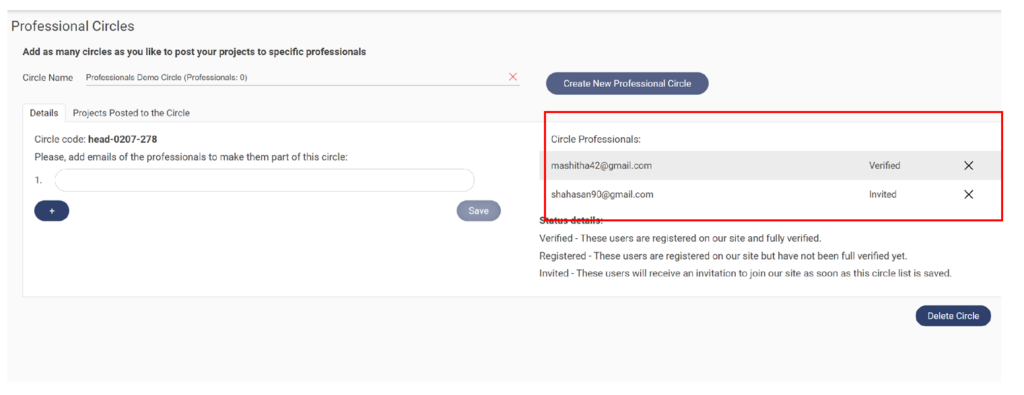
10. Users get removed from Professional Circle:
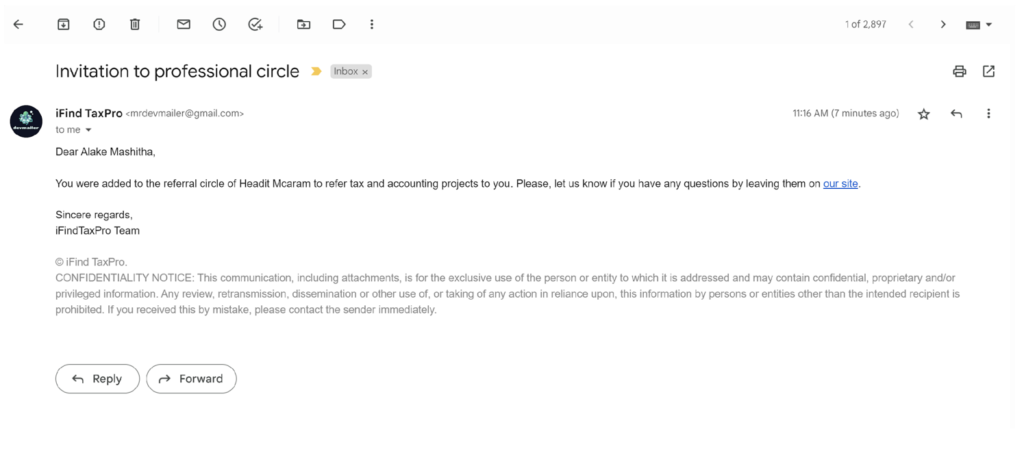
11. When a user is added to the circle, those added users will get an email notification.
For invited users, they receive an email with a Link registering to our application